
Learn to use Google Gemini for writing, research and planning and integrate AI confidently into your everyday professional workflow
1 day course 10am - 5pm Live Online or Classroom-based
What you will learn
- Understanding Google Gemini as a multimodal AI assistant, giving professionals a clear foundation for confident daily use.
- How to write structured prompts using role, context and format, producing faster and more reliable results every time.
- Applying Gemini to professional writing tasks, enabling you to draft emails, reports and briefs in a fraction of the time.
- How to summarise long documents and research sources quickly, turning hours of reading into concise, actionable insights.
- Using Gemini as a planning and problem-solving tool, helping teams structure projects, agendas and strategic decisions more efficiently.
- Analysing uploaded documents and spreadsheets with Gemini, extracting key findings without specialist data skills or additional software.
- How to integrate Gemini across Gmail, Google Docs and Google Sheets, streamlining everyday Workspace tasks and reducing manual effort.
- Building a personal prompt library and daily AI habits, improving long-term productivity and consistency across professional workflows.
This Google Gemini Introduction course includes
-
 Authorised Certificate
-
 Lifetime support after your course
-
 Course materials
-
 Live Instructor-led training
-
 Refreshments all day
-
 Latest Mac or PC ready to go
-
 Authorised Trainers
-
 Hands-on exercises
Book this course
We offer Google Gemini Introduction as a private course.
You can select a date which suits you or your team.
The course content can be fully customised to your exact learning requirements.
Request datesVideo success stories





















Course Outline for Google Gemini Introduction
Understanding What Gemini Is and How It Works
- Introducing Google Gemini as a multimodal AI assistant capable of processing text, images, audio and data
- Understanding how large language models generate responses and why outputs vary
- Recognising the difference between Gemini, Google Search and traditional tools
- Exploring the Gemini interface: the chat window, model selector, prompts and conversation history
- Setting realistic expectations: what Gemini does well and where human judgement is still essential
Writing Prompts That Get Useful Results
- Understanding why prompt quality directly affects the quality of Gemini's output
- Structuring clear, specific prompts using role, context, task and format
- Comparing vague and well-constructed prompts to see the difference in results
- Using follow-up prompts to refine, expand or redirect a response
- Avoiding common prompting mistakes: ambiguity, overloading instructions and conflicting requirements
Using Gemini for Writing and Communication Tasks
- Drafting professional emails, messages and responses with Gemini
- Editing, condensing and improving existing written content
- Adjusting tone, formality and style to suit different audiences
- Creating structured documents such as reports, briefs, meeting notes and summaries
- Generating first drafts quickly and iterating with follow-up prompts
Researching and Summarising Information
- Using Gemini to research topics, gather background information and compare options
- Summarising long documents, articles and reports into concise, usable content
- Asking Gemini to explain complex subjects in plain language
- Understanding the limitations of Gemini's knowledge and when to verify information independently
- Using Gemini with Google Search integration (where available) for more current information
Working with Ideas, Planning and Problem Solving
- Using Gemini to brainstorm ideas, generate options and explore approaches
- Structuring plans, agendas, outlines and project frameworks with AI assistance
- Breaking down complex tasks into manageable steps using conversational prompting
- Generating pros and cons lists, comparisons and decision-support content
- Using Gemini as a thinking partner to stress-test ideas and identify gaps
Analysing and Working with Data and Documents
- Uploading documents, spreadsheets and PDFs for Gemini to read and analyse
- Asking questions about uploaded content to extract key facts, trends and insights
- Using Gemini to identify patterns, summarise findings and suggest actions
- Understanding data privacy considerations when uploading business documents
- Combining document analysis with follow-up prompting to produce structured outputs
Using Gemini Across Google Workspace
- Introducing Gemini in Gmail, Google Docs, Google Sheets and Google Slides
- Using 'Help me write' in Gmail and Docs to draft, refine and respond to content
- Applying Gemini in Google Sheets to analyse data, write formulas and generate insights
- Using Gemini in Google Meet for summaries, notes and action points
- Understanding which Gemini features require a Google Workspace account or Gemini add-on
Saving Time with Everyday AI Habits
- Identifying which regular tasks are most suitable for AI assistance
- Building a personal prompt library for frequently repeated tasks
- Using conversation history to continue and build on previous sessions
- Reviewing and editing AI-generated content efficiently to maintain quality and accuracy
- Developing a practical routine for integrating Gemini into daily professional workflows
FAQs about the Google Gemini Introduction course
Is this Google Gemini Introduction course suitable for me?
This course is designed for people who are new to Gemini or have been using Gemini for a while but have never had formal training or who would like to learn best practice in Gemini AI. If you are have any questions about whether the course could meet your needs, please speak to our customer service team, who will be delighted to advise you.
How is the content taught throughout the Google Gemini Introduction course?
Our Google Gemini Introduction course is extremely interactive. You will be using Gemini as an AI assistant throughout the day, working through examples and live projects under the guidance of our trainer, who will be inviting questions and supporting you through each step.
How many people are likely to be in the class when I attend the Google Gemini Introduction course?
For private classes in Google Gemini Introduction, we recommend a maximum of 8 to 10 people from the same company in the class. Please ask our customer service team to help you find the right balance of people per class and the number of days training you need.
Should I attend the Google Gemini Introduction course in person or live online?
For in-person courses at our London training centre, you will receive a warm personal welcome, your choice of the latest Mac or PC and morning and afternoon refreshments. If you prefer to attend remotely, rest assured that you will be taught live by the same experts that deliver our in-person courses, covering the same training content, using the same exercises and materials. A second monitor is recommended but not essential.
What support is available after I attend the Google Gemini Introduction course?
We offer ongoing support to our Google Gemini Introduction course attendees through email and by arrangement, phone calls. You are welcome to ask any questions on topics covered during training. Our trainer will always do their best to explain principles and help you with any issues you encounter.
Will I receive a certificate upon completion of my Google Gemini Introduction course?
Yes, you'll receive a certificate of completion from Transmedia, demonstrating your knowledge and attendance on our Google Gemini Introduction course. Our certificates note our Authorised Training Centre status.
Google Gemini Introduction — Team and Bespoke Training
Booking a private training session allows you to focus on your exact needs on dates that work best for you or your team.
- Sessions can be run online or in person, on your site or at our London training centre.
- We manage training for many of the UK’s largest companies, taking care of all the admin, working with you to ensure the perfect course.
- Our expert trainers will first understand your requirements and then tailor each session to your exact specification.
- We offer a free consultation service to work out every detail of your course.
Private One-to-One Training
One-to-one tuition tailored to your exact requirements. Your choice of duration, dates and content.
Book NowTeam Training for Companies
Group bookings provide you with the most cost-effective way to train your team.
Book Now
Our Clients


Latest Blog Articles
 Google Guide to Generative AI: Tips for UX Designers and Content Teams
 Claude Connectors: What Every Creative Professional Should Know
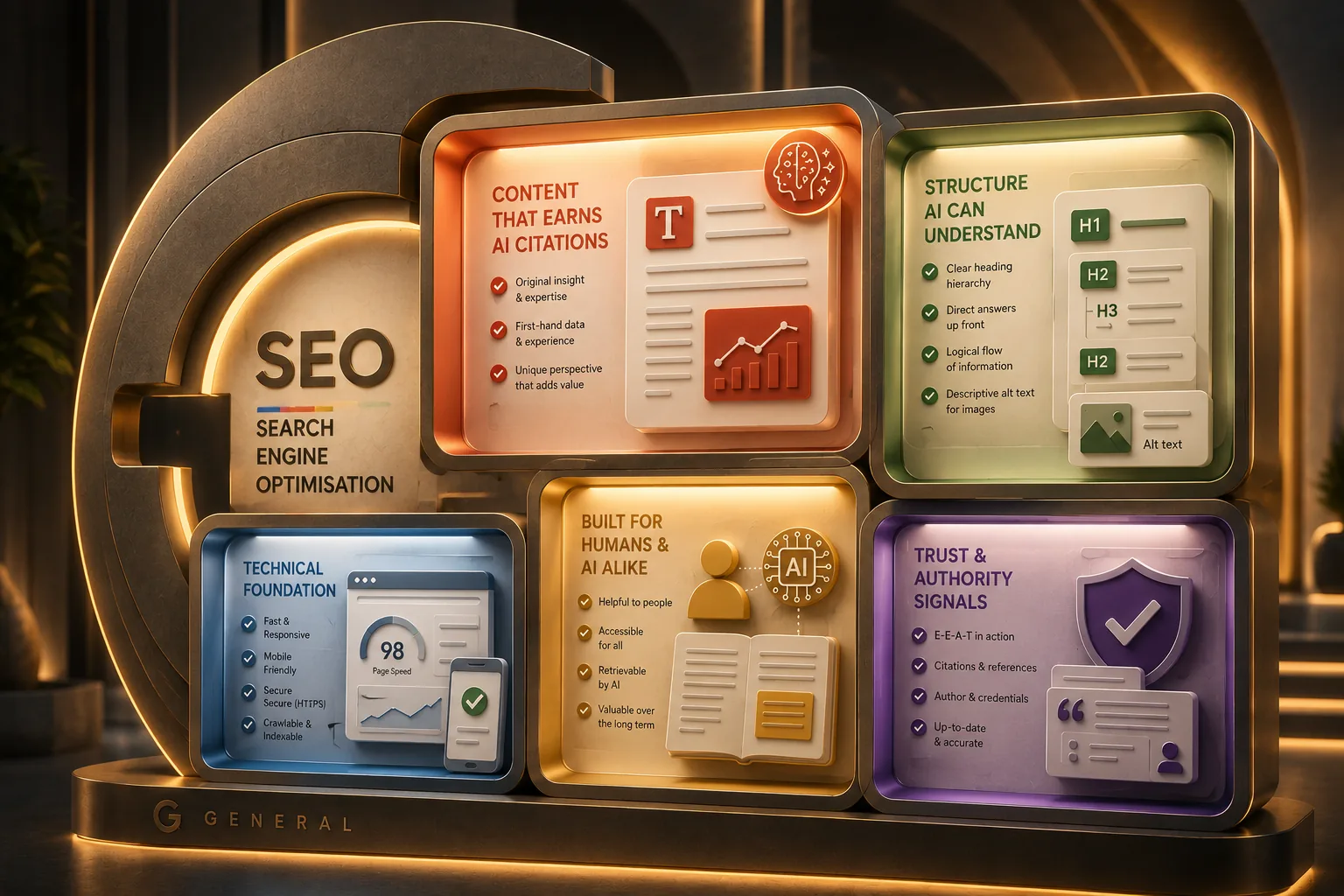
 Generative Engine Optimisation: Practical Tips for Better Output
Why Transmedia?

Unlimited Training Support
We offer unlimited training support after your course.
Bespoke Training Solutions
Customised training and software solutions based on your exact requirements.
Worldwide Creative Skills Training
Join our authorised training courses live online from anywhere in the world.
Authorised Training Professionals
Our experts are accredited by Adobe, Apple and Claris and bring years of experience and real-world expertise.