
Learn how Nano Banana can help you rapidly create, edit and remix on-brand visuals using prompt-based tools. Make images that produce consistent, eye-catching content across platforms under our expert guidance.
1 day course 10am - 5pm Live Online or Classroom-based
What you will learn
- Understanding Nano Banana's role, enabling designers to create structured AI images quickly for real marketing and digital work.
- How to describe subjects and environments clearly, helping the model produce layouts that match creative direction and brand purpose.
- Exploring compositional control, empowering you to build advertising visuals with integrated text that feel intentional and professionally designed.
- How to refine AI outputs using edit requests, reducing re-work and improving speed when polishing campaign imagery for clients.
- Applying image generation inside Adobe tools, enabling faster production of assets sized correctly for print, social or website layouts.
- How to build prompt templates for teams, improving brand consistency with colours, typography and product styling across projects.
- Creating layout-driven content with confidence, helping you deliver high quality diagrams, posters and icons for professional communication needs.
This AI Image Generation with Nano Banana course includes
-
 Authorised Certificate
-
 Lifetime support after your course
-
 Course materials
-
 Live Instructor-led training
-
 Refreshments all day
-
 Latest Mac or PC ready to go
-
 Authorised Trainers
-
 Hands-on exercises
Course Dates
| Date | Location | Price (ex VAT) | |
|---|---|---|---|
| Tue 6 Oct 2026 | Live Online |
£345
|
|
| Fri 23 Oct 2026 | London |
£375
|
|
| Wed 4 Nov 2026 | Live Online |
£375
|
|
| Fri 20 Nov 2026 | London |
£375
|
|
| Wed 2 Dec 2026 | Live Online |
£395
|
|
| Fri 18 Dec 2026 | London |
£395
|
|
| Tue 12 Jan 2027 | Live Online |
£395
|
|
| Tue 26 Jan 2027 | London |
£395
|
|
| Mon 8 Feb 2027 | Live Online |
£395
|
|
| Tue 23 Feb 2027 | London |
£395
|
|
| Wed 10 Mar 2027 | Live Online |
£395
|
|
| Fri 19 Mar 2027 | London |
£395
|
|
| Wed 7 Apr 2027 | Live Online |
£395
|
|
| Fri 23 Apr 2027 | London |
£395
|
|
| Tue 11 May 2027 | Live Online |
£395
|
|
| Wed 26 May 2027 | London |
£395
|
|
| Thu 10 Jun 2027 | Live Online |
£395
|
|
| Tue 22 Jun 2027 | London |
£395
|
Video success stories




















Course Outline for AI Image Generation with Nano Banana
Using Nano Banana for AI image creation
- Understanding what Nano Banana is and where it fits in creative workflows
- Exploring model capabilities such as structure, layout and text embedding
- Identifying the differences between keyword-list prompts and natural descriptive briefs
Writing prompts for real content workflows
- Describing subjects, environments, materials and lighting in plain English
- Adding brand tone, audience and purpose to guide stylistic choices
- Using reference language to reflect art direction or campaign goals
Creating with Nano Banana for marketing and design
- Producing concept visuals for adverts, banners and social campaigns
- Generating editorial-style images that include text and layout
- Case study exercise using typical marketing content
Improving image results using edit instructions
- Refining without re-rolling: requesting adjustments directly
- Correcting composition, proportions and focal points
- Editing text inside images such as titles or product labels
Applying image generation in Adobe and online tools
- Using exports inside Photoshop, InDesign, Figma or Canva
- Resizing and cropping for web layouts, social aspect ratios and print
- Checking quality, resolution and rights usage in professional settings
Optimising prompts for accuracy and consistency
- Building reusable prompt templates for campaigns and clients
- Controlling visual identity: colours, typography, product styling
- Avoiding inconsistencies that lead to re-work later
Creating structured visual assets with Nano Banana
- Generating diagrams, posters, icons and layout-driven content
- Using Nano Banana's strengths in structured composition and text placement
- Mini-project designing a visual asset for immediate workplace use
FAQs about the AI Image Generation with Nano Banana course
Is this AI Image Generation with Nano Banana course suitable for me?
This course is designed for people who are new to Nano Banana or have been using Nano Banana for a while but have never had formal training or who would like to learn best practice in creating AI images using Nano Banana. If you are have any questions about whether the course could meet your needs, please speak to our customer service team, who will be delighted to advise you.
How is the content taught throughout the AI Image Generation with Nano Banana course?
Our AI Image Generation with Nano Banana course is extremely interactive. You will be writing and editing prompts within Nano Banana throughout the day, working through examples and live projects under the guidance of our trainer, who will be inviting questions and supporting you through each step.
How many people are likely to be in the class when I attend the AI Image Generation with Nano Banana course?
For private classes in AI Image Generation with Nano Banana, we recommend a maximum of 8 to 10 people from the same company in the class. Please ask our customer service team to help you find the right balance of people per class and the number of days training you need.
Should I attend the AI Image Generation with Nano Banana course in person or live online?
For in-person courses at our London training centre, you will receive a warm personal welcome, your choice of the latest Mac or PC and morning and afternoon refreshments. If you prefer to attend remotely, rest assured that you will be taught live by the same experts that deliver our in-person courses, covering the same training content, using the same exercises and materials. A second monitor is recommended but not essential.
What support is available after I attend the AI Image Generation with Nano Banana course?
We offer ongoing support to our AI Image Generation with Nano Banana course attendees through email and by arrangement, phone calls. You are welcome to ask any questions on topics covered during training. Our trainer will always do their best to explain principles and help you with any issues you encounter.
Will I receive a certificate upon completion of my AI Image Generation with Nano Banana course?
Yes, you'll receive a certificate of completion from Transmedia, demonstrating your knowledge and attendance on our AI Image Generation with Nano Banana course. Our certificates note our Authorised Training Centre status.
AI Image Generation with Nano Banana — Team and Bespoke Training
Booking a private training session allows you to focus on your exact needs on dates that work best for you or your team.
- Sessions can be run online or in person, on your site or at our London training centre.
- We manage training for many of the UK’s largest companies, taking care of all the admin, working with you to ensure the perfect course.
- Our expert trainers will first understand your requirements and then tailor each session to your exact specification.
- We offer a free consultation service to work out every detail of your course.
Private One-to-One Training
One-to-one tuition tailored to your exact requirements. Your choice of duration, dates and content.
Book NowTeam Training for Companies
Group bookings provide you with the most cost-effective way to train your team.
Book Now
Our Clients


Latest Blog Articles
 Getting Started with Nano Banana: Core Concepts Every Digital Professional Should Understand
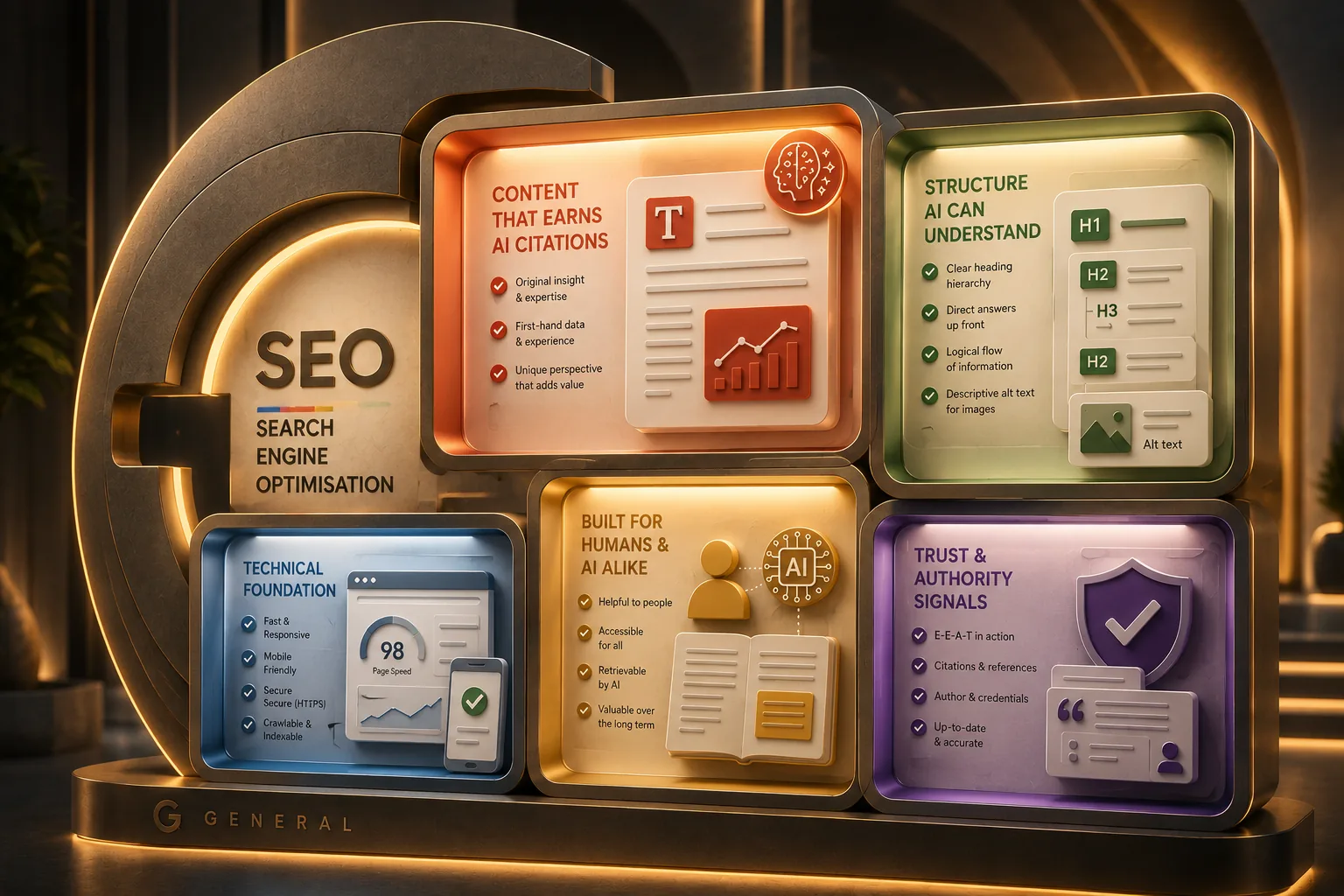 Google Guide to Generative AI: Tips for UX Designers and Content Teams
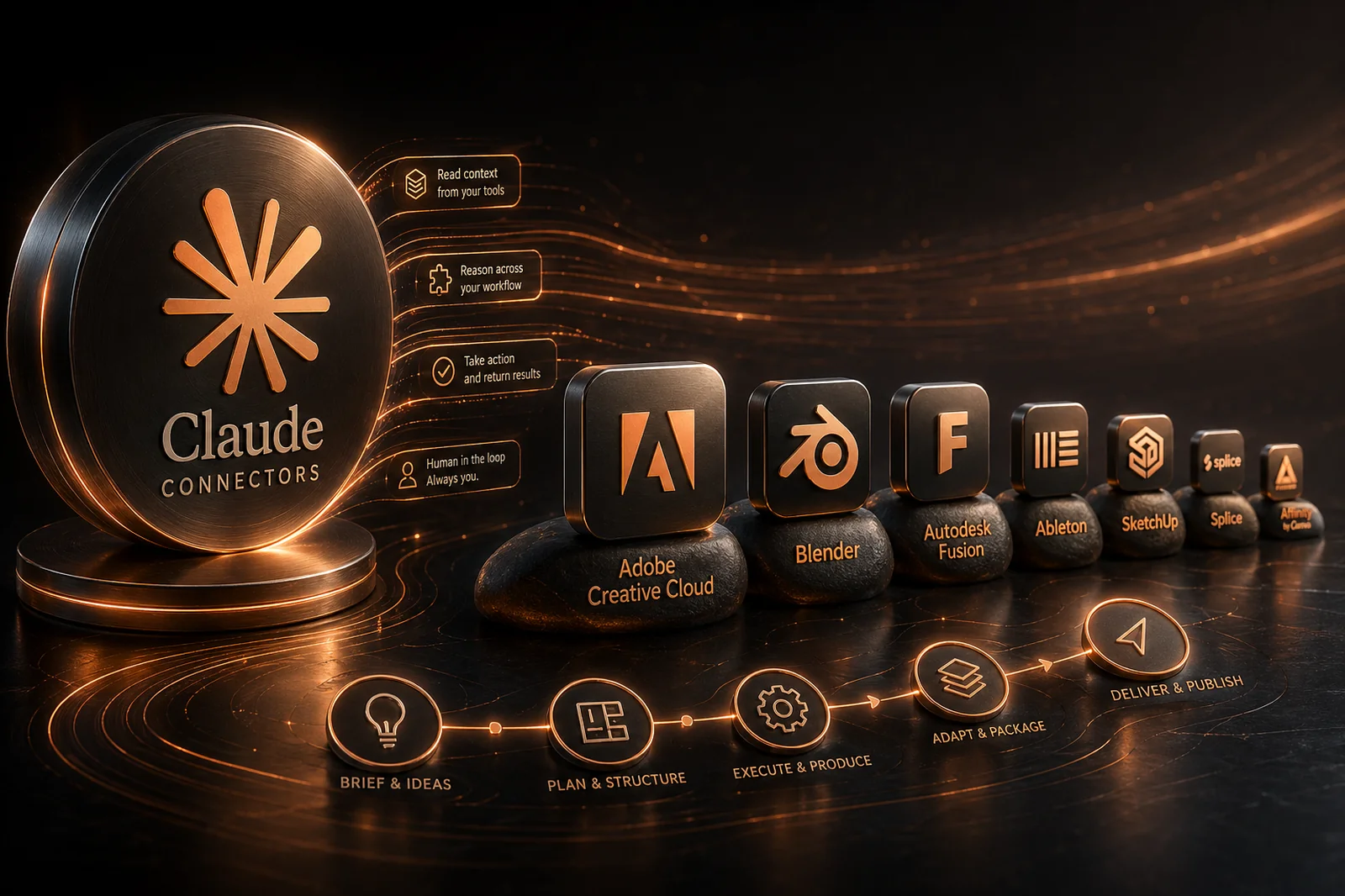 Claude Connectors: What Every Creative Professional Should Know
Why Transmedia?

Unlimited Training Support
We offer unlimited training support after your course.
Bespoke Training Solutions
Customised training and software solutions based on your exact requirements.
Worldwide Creative Skills Training
Join our authorised training courses live online from anywhere in the world.
Authorised Training Professionals
Our experts are accredited by Adobe, Apple and Claris and bring years of experience and real-world expertise.