
Boost productivity with prompt writing expertise. Learn from experts to optimise your prompts effectively and intelligently.
1 day course 10am - 5pm Live Online or Classroom-based
What you will learn
- Understanding how AI models respond to prompts, enabling clearer instructions that improve accuracy, relevance and professional reliability.
- How to set realistic expectations for AI tools, improving judgement, productivity and confidence when using AI for SEO.
- Recognising safe and responsible AI use, helping protect confidential data while maintaining human oversight in workplace decisions.
- How to apply practical prompt frameworks like CRAFT, producing clearer outputs for marketing, design and management tasks.
- Applying structured prompt types effectively, enabling faster drafting, summarising, ideation and content optimisation across professional workflows.
- How to evaluate AI outputs critically, improving accuracy, tone fit and actionability before using results professionally.
- Testing and refining prompts iteratively, empowering professionals to troubleshoot issues and achieve consistent, high quality results.
- How to choose appropriate AI tools confidently, boosting productivity through better task matching and AI analytics insights.
Related Courses
This Prompt Writing for AI Introduction course includes
-
 Authorised Certificate
-
 Lifetime support after your course
-
 Course materials
-
 Live Instructor-led training
-
 Refreshments all day
-
 Latest Mac or PC ready to go
-
 Authorised Trainers
-
 Hands-on exercises
Course Dates
| Date | Location | Price (ex VAT) | |
|---|---|---|---|
| Mon 19 Oct 2026 | Live Online |
£445
|
|
| Wed 18 Nov 2026 | London |
£445
|
|
| Tue 15 Dec 2026 | Live Online |
£395
|
|
| Fri 15 Jan 2027 | London |
£395
|
|
| Mon 15 Feb 2027 | Live Online |
£495
|
|
| Fri 19 Mar 2027 | London |
£495
|
|
| Tue 13 Apr 2027 | Live Online |
£495
|
|
| Tue 18 May 2027 | London |
£495
|
|
| Mon 21 Jun 2027 | Live Online |
£495
|
Video success stories




















Course Outline for Prompt Writing for AI Introduction
AI prompt writing fundamentals for contemporary workplaces
- Understanding how large language models generate responses using probability, context and training data
- Recognising why prompt writing is now a core professional skill across marketing, design, management and business roles
- Comparing how 2 or 3 popular AI's respond differently to the same request
- Setting realistic expectations for accuracy, tone, creativity and reliability when working with AI tools
Safe and responsible use of AI in professional environments
- Understanding hallucinations and why AI can sound confident when incorrect
- Knowing what information should never be shared with AI (personal, financial, medical and confidential business data)
- Human oversight: why AI outputs must always be reviewed before professional use
- Practical guidelines for responsible workplace adoption
AI prompt structures and common prompt types
- Recognising instruction, rewriting, summarising, ideation and planning prompts used in everyday work
- Understanding zero-shot, few-shot and step-by-step prompting (explained without technical jargon)
- Reducing ambiguity by clarifying intent, assumptions and desired outcomes
- Strengthening weak prompts to improve relevance, clarity and usefulness
A practical prompt framework (CRAFT)
- Context: setting background and purpose
- Role: defining who the AI should act as
- Audience: specifying who the output is for
- Format: controlling structure and length
- Tone: guiding communication style
- Applying CRAFT to real workplace examples
AI prompt writing for clarity, context and output control
- Structuring prompts so AI understands purpose, background and required output
- Writing role prompts to guide tone, expertise level and professional perspective
- Using formatting constraints and examples to control length, structure and style
- Comparing prompt results across tools to understand consistency and variation
AI tools selection for common professional tasks
- Understanding strengths and limitations of commonly used AI's
- Using different AI's drafting, brainstorming, tone control, email writing, analysis, summaries, image generation, etc
Evaluating AI outputs professionally
- Assessing relevance, accuracy, clarity, tone fit and actionability
- Identifying bias, gaps and unsupported assumptions
- Knowing when to refine a prompt versus when to restart
- Building confidence in judging output quality independently
Prompt testing, refinement and troubleshooting
- Testing prompts iteratively to improve accuracy, tone and relevance
- Refining instructions when outputs are confusing, incomplete or off-target
- Recognising common causes of poor AI responses and correcting them
- Using conversational prompting and chaining instead of trying to write ”perfect” prompts each time
FAQs about the Prompt Writing for AI Introduction course
Is this Prompt Engineering course suitable for me?
This course is designed for people who are new to Prompt Engineering or have been writing prompts for a while but have never had formal training or who would like to learn best practice in prompt engineering. If you have any questions about whether the course could meet your needs, please speak to our customer service team, who will be delighted to advise you.
Will I receive a certificate upon completion of my Prompt Engineering Introduction course?
Yes, you'll receive a certificate of completion from Transmedia, demonstrating your knowledge and attendance on our Prompt Engineering Introduction course. Our certificates note our Authorised Training Centre status.
How is the content taught throughout the Prompt Engineering Introduction course?
Our Prompt Engineering Introduction course is extremely interactive. You will be learning how to write better prompts throughout the day, working through examples and live projects under the guidance of our trainer, who will be supporting you through each step.
What is the recommended number of people for the class when I attend the Prompt Engineering Introduction course?
For private classes in Prompt Engineering Introduction, we recommend a maximum of 8 to 10 people from the same company in the class. Please ask our customer service team to help you find the right balance of people per class and the number of days training you need.
Should I attend the Prompt Engineering Introduction course in person or live online?
For in-person courses at our London training centre, you will receive a warm personal welcome, your choice of the latest Mac or PC and morning and afternoon refreshments. If you prefer to attend remotely, rest assured that you will be taught live by the same experts that deliver our in-person courses, covering the same training content, using the same exercises and materials. A second monitor is recommended but not essential.
What support is available after I attend the Prompt Engineering Introduction course?
We offer ongoing support to our Prompt Engineering Introduction course attendees through email and by arrangement, phone calls. You are welcome to ask any questions on topics covered during training. Our trainer will always do their best to explain principles and help you with any issues you encounter.
Prompt Writing for AI Introduction — Team and Bespoke Training
Booking a private training session allows you to focus on your exact needs on dates that work best for you or your team.
- Sessions can be run online or in person, on your site or at our London training centre.
- We manage training for many of the UK’s largest companies, taking care of all the admin, working with you to ensure the perfect course.
- Our expert trainers will first understand your requirements and then tailor each session to your exact specification.
- We offer a free consultation service to work out every detail of your course.
Private One-to-One Training
One-to-one tuition tailored to your exact requirements. Your choice of duration, dates and content.
Book NowTeam Training for Companies
Group bookings provide you with the most cost-effective way to train your team.
Book Now
Our Clients


Latest Blog Articles
 Prompt Engineering for AI Image Generation: Essential Techniques for Creative Professionals
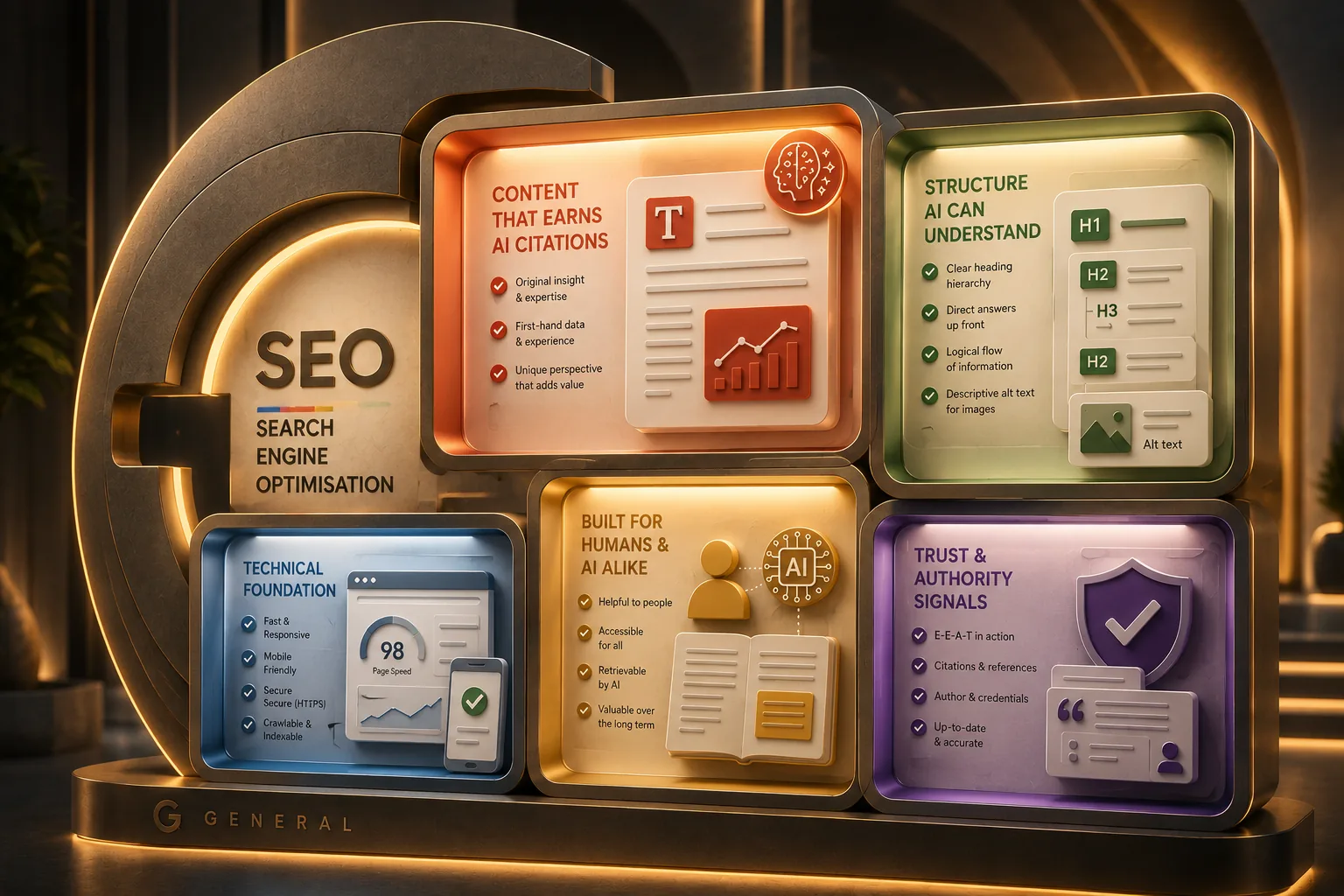 Google Guide to Generative AI: Tips for UX Designers and Content Teams
 Claude Connectors: What Every Creative Professional Should Know
Why Transmedia?

Unlimited Training Support
We offer unlimited training support after your course.
Bespoke Training Solutions
Customised training and software solutions based on your exact requirements.
Worldwide Creative Skills Training
Join our authorised training courses live online from anywhere in the world.
Authorised Training Professionals
Our experts are accredited by Adobe, Apple and Claris and bring years of experience and real-world expertise.