
Enhance your prompt engineering skills. Learn from experts to craft better prompts, AI interactions and work more intelligently.
1 day course 10am - 5pm Live Online or Classroom-based
What you will learn
- Understanding advanced AI prompt behaviour, enabling professionals to predict model responses across ChatGPT, Copilot, Claude and Gemini confidently.
- How to design prompt architectures that manage long context windows, improving reliability in multi-step business and creative workflows.
- Understanding precision prompting techniques, helping teams control tone, depth and structure for professional outputs that reduce rework.
- How to adapt prompts across AI tools, improving accuracy speed and citation confidence when choosing models for specific workplace tasks.
- Understanding prompt testing and quality assurance, enabling safer AI use by reducing hallucinations and improving decision-making reliability.
- How to integrate advanced prompting into daily workflows, boosting productivity in research, content planning and Microsoft 365 collaboration.
- Understanding prompt libraries and reuse strategies, empowering teams to standardise best practice and scale AI skills across organisations.
Related Courses
This Prompt Writing For AI Intermediate course includes
-
 Authorised Certificate
-
 Lifetime support after your course
-
 Course materials
-
 Live Instructor-led training
-
 Refreshments all day
-
 Latest Mac or PC ready to go
-
 Authorised Trainers
-
 Hands-on exercises
Course Dates
| Date | Location | Price (ex VAT) | |
|---|---|---|---|
| Tue 20 Oct 2026 | Live Online |
£445
|
|
| Thu 19 Nov 2026 | London |
£395
|
|
| Tue 15 Dec 2026 | Live Online |
£395
|
|
| Tue 19 Jan 2027 | London |
£395
|
|
| Thu 18 Feb 2027 | Live Online |
£495
|
|
| Wed 10 Mar 2027 | London |
£495
|
|
| Fri 16 Apr 2027 | Live Online |
£495
|
|
| Thu 20 May 2027 | London |
£495
|
|
| Fri 11 Jun 2027 | Live Online |
£495
|
Video success stories



















Course Outline for Prompt Writing For AI Intermediate
AI Prompt Engineering for Advanced Model Behaviour
- Examining how modern language models interpret intent, context and constraints in professional scenarios
- Comparing model behaviour differences across ChatGPT, Copilot, Claude, Gemini and Perplexity
- Identifying where intermediate prompt skills outperform basic prompt techniques
- Evaluating prompt readiness for real production use rather than experimentation
AI Prompt Architecture and Context Control
- Designing prompts that manage long context windows without loss of relevance
- Applying staged instruction techniques to control reasoning, flow and output order
- Managing context persistence across multi-turn conversations
- Preventing context drift in extended prompting workflows
AI Precision Prompting and Output Calibration
- Structuring prompts to reduce ambiguity through explicit assumptions and constraints
- Controlling tone, register, depth and format for professional audiences
- Testing prompt sensitivity to small instruction changes
- Balancing brevity and instruction density for optimal output reliability
AI Cross-Model Prompt Adaptation Strategies
- Rewriting prompts to suit different reasoning styles across leading AI tools
- Analysing where logic-focused models outperform creative models
- Comparing citation behaviour and verification strengths across platforms
- Selecting tools strategically based on task risk, accuracy and speed
AI Prompting for Business and Creative Workflows
- Integrating prompting into Microsoft 365 tasks using Copilot
- Supporting research planning and synthesis using cited AI tools
- Applying prompt techniques to strategy, content ideation and decision support
- Reducing manual effort in repeatable professional tasks
AI Prompt Review, Testing and Quality Assurance
- Defining evaluation criteria for professional-grade AI output
- Reviewing outputs for accuracy, bias, hallucination and omission
- Refining prompts through structured testing cycles
- Applying collaborative review techniques for shared prompt improvement
AI Workflow Prompt Design and Reuse
- Designing multi-step prompts that support end-to-end tasks
- Reusing prompt components across different business contexts
- Adapting workflows for multiple AI platforms without duplication
- Maintaining prompt clarity as workflows scale
AI Prompt Libraries and Organisational Knowledge
- Structuring prompt libraries for discoverability and reuse
- Documenting prompts with intent, assumptions and constraints
- Managing version control for evolving prompt solutions
- Supporting team adoption through shared prompt standards
AI Prompting Applied to Complex Industry Scenarios
- Applying advanced prompting to marketing analysis, research synthesis and content creation
- Stress-testing prompts against edge cases and unusual inputs
- Identifying when human intervention is required
- Strengthening prompts to withstand real-world variability
FAQs about the Prompt Writing For AI Intermediate course
Is this AI Prompt Engineering Intermediate course suitable for me?
This course is designed for people who have experience in Prompt Engineering or have already attended one of our Prompt Engineering training courses or who would like to further their knowledge of best practice in Prompt Engineering. If you are have any questions about whether the course could meet your needs, please speak to our customer service team, who will be delighted to advise you.
How is the content taught throughout the AI Prompt Engineering Intermediate course?
Our AI Prompt Engineering Intermediate course is extremely interactive. You will be writing prompts and analysing ways to improve them to get better results throughout the day. You'll work through examples and live projects under the guidance of our trainer, who will be inviting questions and supporting you through each step.
How many people are likely to be in the class when I attend the AI Prompt Engineering Intermediate course?
For private classes in AI Prompt Engineering Intermediate, we recommend a maximum of 8 to 10 people from the same company in the class. Please ask our customer service team to help you find the right balance of people per class and the number of days training you need.
Should I attend the AI Prompt Engineering Intermediate course in person or live online?
For in-person courses at our London training centre, you will receive a warm personal welcome, your choice of the latest Mac or PC and morning and afternoon refreshments. If you prefer to attend remotely, rest assured that you will be taught live by the same experts that deliver our in-person courses, covering the same training content, using the same exercises and materials. A second monitor is recommended but not essential.
What support is available after I attend the AI Prompt Engineering Intermediate course?
We offer ongoing support to our AI Prompt Engineering Intermediate course attendees through email and by arrangement, phone calls. You are welcome to ask any questions on topics covered during training. Our trainer will always do their best to explain principles and help you with any issues you encounter.
Will I receive a certificate upon completion of my AI Prompt Engineering Intermediate course?
Yes, you'll receive a certificate of completion from Transmedia, demonstrating your knowledge and attendance on our AI Prompt Engineering Intermediate course. Our certificates note our Authorised Training Centre status.
Prompt Writing For AI Intermediate — Team and Bespoke Training
Booking a private training session allows you to focus on your exact needs on dates that work best for you or your team.
- Sessions can be run online or in person, on your site or at our London training centre.
- We manage training for many of the UK’s largest companies, taking care of all the admin, working with you to ensure the perfect course.
- Our expert trainers will first understand your requirements and then tailor each session to your exact specification.
- We offer a free consultation service to work out every detail of your course.
Private One-to-One Training
One-to-one tuition tailored to your exact requirements. Your choice of duration, dates and content.
Book NowTeam Training for Companies
Group bookings provide you with the most cost-effective way to train your team.
Book Now
Our Clients


Latest Blog Articles
 Prompt Engineering for AI Image Generation: Essential Techniques for Creative Professionals
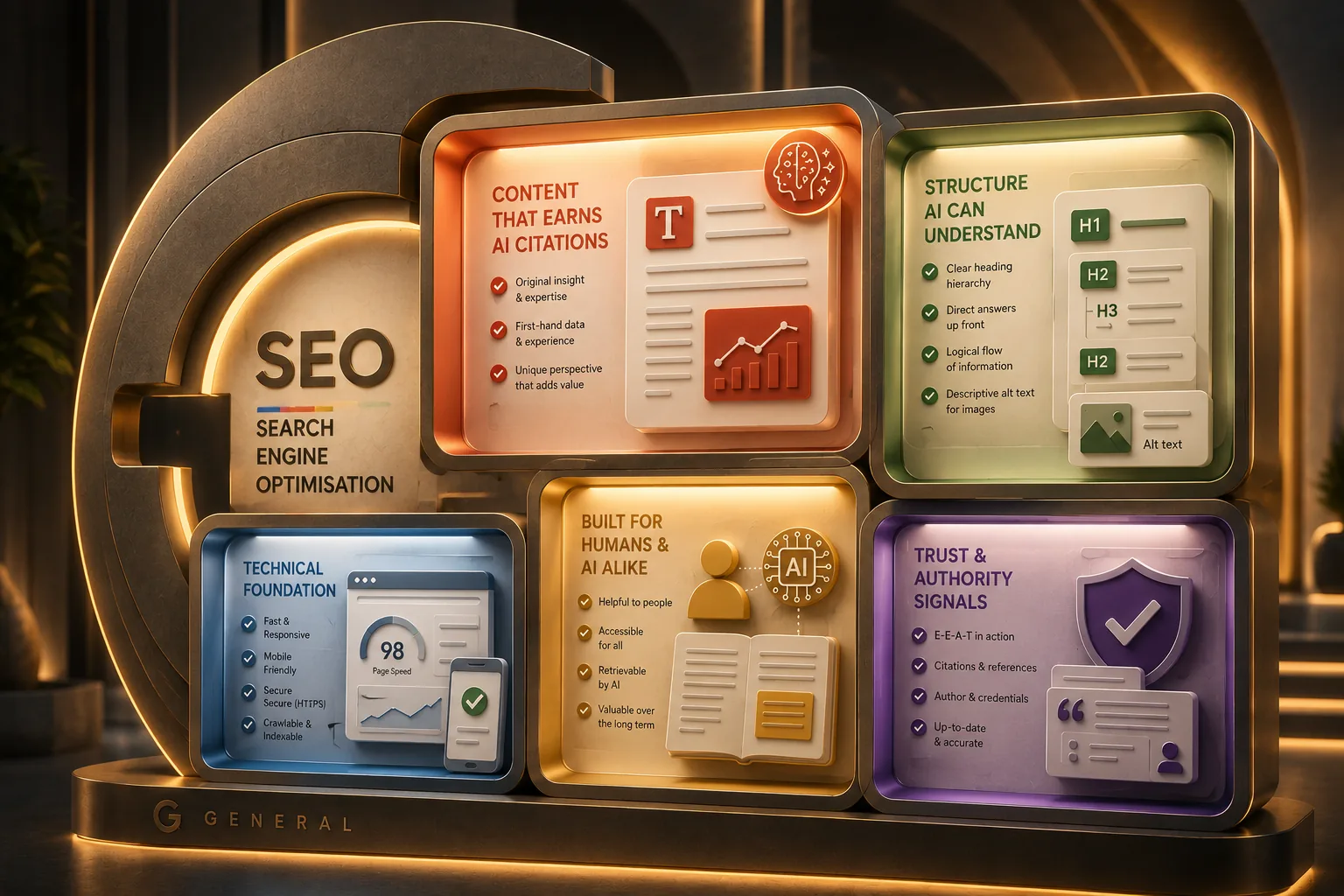 Google Guide to Generative AI: Tips for UX Designers and Content Teams
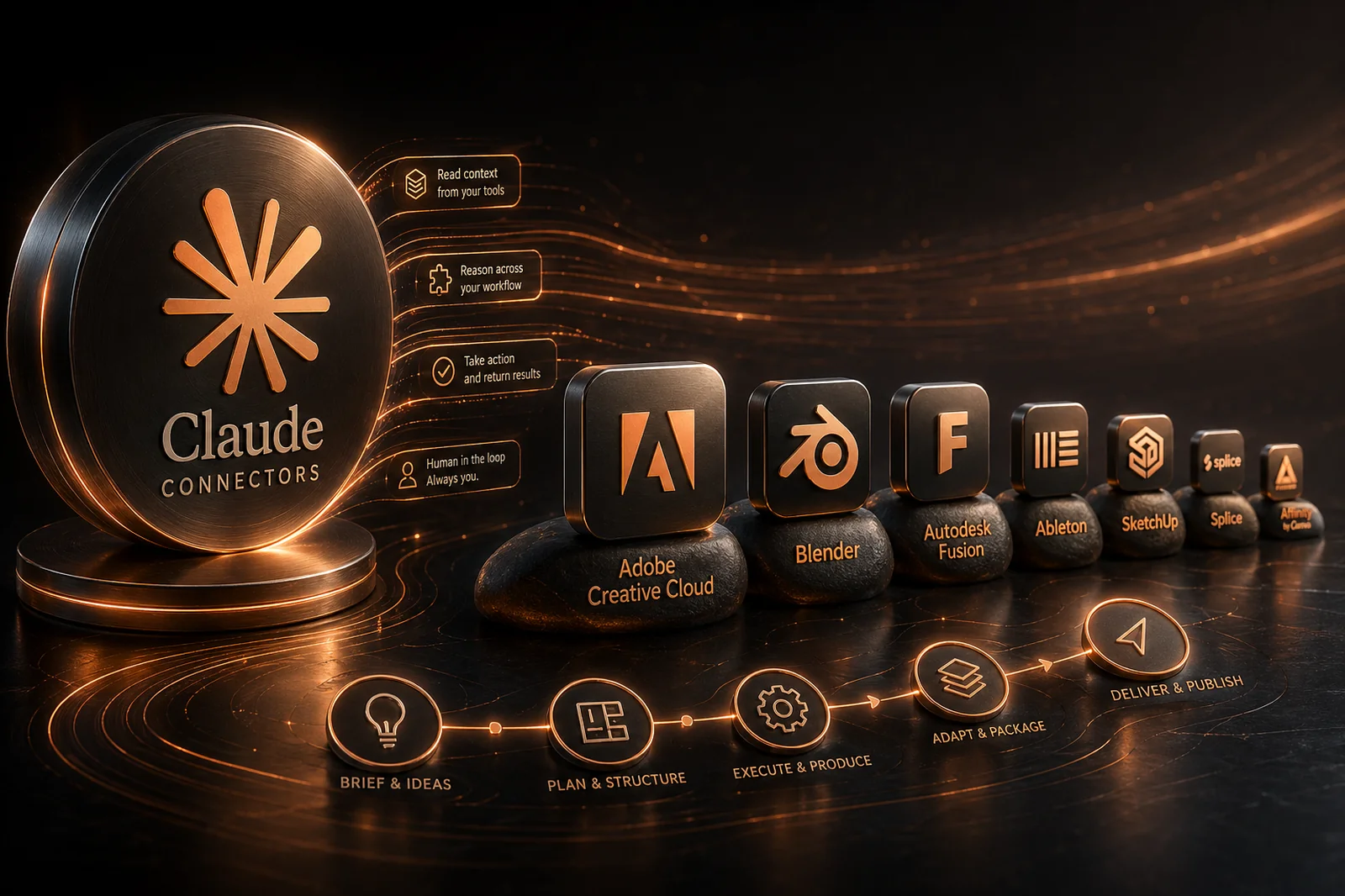 Claude Connectors: What Every Creative Professional Should Know
Why Transmedia?

Unlimited Training Support
We offer unlimited training support after your course.
Bespoke Training Solutions
Customised training and software solutions based on your exact requirements.
Worldwide Creative Skills Training
Join our authorised training courses live online from anywhere in the world.
Authorised Training Professionals
Our experts are accredited by Adobe, Apple and Claris and bring years of experience and real-world expertise.