
Improve your website design with our WordPress Advanced course! Learn from experts to optimise custom themes, enhance functionality and build innovative sites effectively as a professional web developer.
2 day course 10am - 5pm Live Online or Classroom-based
What you will learn
- Exploring advanced techniques for creating websites.
- How to integrate CMS in a new platform, improving design and workflow.
- Understanding the importance of user experience in websites.
- How to build ecommerce websites effectively.
- Exploring how to use plugins to increase user engagement.
- How to use advanced SEO techniques to increase site traffic, improving leads.
- Understanding key design and brand tips to make money from your website.
Related Courses
This WordPress Advanced course includes
-
 Authorised Certificate
-
 Lifetime support after your course
-
 Course materials
-
 Live Instructor-led training
-
 Refreshments all day
-
 Latest Mac or PC ready to go
-
 Authorised Trainers
-
 Hands-on exercises
Course Dates
| Date | Location | Price (ex VAT) | |
|---|---|---|---|
| Tue 20 - Wed 21 Oct 2026 | Live Online |
£595
|
|
| Mon 23 - Tue 24 Nov 2026 | London |
£645
|
|
| Tue 22 - Wed 23 Dec 2026 | Live Online |
£645
|
|
| Mon 18 - Tue 19 Jan 2027 | London |
£645
|
|
| Mon 15 - Tue 16 Feb 2027 | Live Online |
£695
|
|
| Wed 17 - Thu 18 Mar 2027 | London |
£695
|
|
| Tue 13 - Wed 14 Apr 2027 | Live Online |
£695
|
|
| Tue 18 - Wed 19 May 2027 | London |
£695
|
|
| Mon 21 - Tue 22 Jun 2027 | Live Online |
£695
|
Video success stories





















Course Outline for WordPress Advanced
Mastering WordPress as a Content Management System
- Configuring a static homepage and optimising site structure
- Customising navigation menus and controlling page visibility
- Implementing custom page templates for unique layouts
- Adapting WordPress for non-blog websites
- Managing comments and user interactions effectively
Advanced Theme Development
- Converting HTML templates into fully-functional WordPress themes
- Creating custom theme frameworks for scalable development
- Implementing advanced template hierarchies and conditional tags
- Developing modular themes using template parts and hooks
- Integrating the WordPress Customizer API for theme options
Custom Fields and Advanced Content Management
- Setting up and managing custom fields for enhanced content flexibility
- Creating custom post types and taxonomies for specialised content
- Using Advanced Custom Fields (ACF) for complex data structures
- Implementing custom admin panels and meta boxes
- Displaying custom field data in themes and templates
Advanced Navigation and Menu Customisation
- Creating multi-level dropdown menus with custom walkers
- Implementing AJAX-powered navigation for improved user experience
- Customising menu item classes for advanced styling
- Building mega menus and off-canvas navigation systems
- Integrating breadcrumbs and hierarchical navigation structures
Essential Plugin Development and Customisation
- Understanding WordPress plugin architecture and best practices
- Creating custom plugins to extend WordPress functionality
- Integrating third-party APIs and services into WordPress
- Developing custom widgets and shortcodes
- Optimising plugin performance and security
Advanced SEO Techniques for WordPress
- Implementing schema markup for enhanced search engine visibility
- Optimising WordPress performance for improved page speed and rankings
- Creating XML sitemaps and optimising internal linking structures
- Using advanced SEO plugins and tools for comprehensive optimisation
- Implementing local SEO strategies for geographically-targeted websites
Integrating Social Media and User Management
- Developing custom social media integration plugins
- Implementing social login and user authentication systems
- Creating advanced user roles and capabilities
- Building community features with BuddyPress or similar solutions
- Integrating social sharing and content curation tools
Performance Optimisation and Security Hardening
- Implementing caching solutions for improved site speed
- Optimising database queries and reducing server load
- Securing WordPress against common vulnerabilities and attacks
- Setting up content delivery networks (CDNs) for global performance
- Implementing automated backups and disaster recovery procedures
Advanced WordPress Development Techniques
- Using WordPress REST API for headless CMS implementations
- Developing custom Gutenberg blocks for enhanced editing experiences
- Implementing continuous integration and deployment workflows
- Using version control systems (Git) for WordPress development
- Exploring headless WordPress and decoupled architectures
FAQs about the WordPress Advanced course
Is this WordPress Advanced course suitable for me?
This course is designed for people who have experience in WordPress or have already attended one of our WordPress training courses or who would like to further their knowledge of best practice in the use of WordPress. If you are have any questions about whether the course could meet your needs, please speak to our customer service team, who will be delighted to advise you.
How is the content taught throughout the WordPress Advanced course?
Our WordPress Advanced course is extremely interactive. You will be using WordPress throughout the day, working through examples and live projects under the guidance of our trainer, who will be supporting you through each step.
What is the recommended number of people for the class when I attend the WordPress Advanced course?
For private classes in WordPress Advanced, we recommend a maximum of 8 to 10 people from the same company in the class. Please ask our customer service team to help you find the right balance of people per class and the number of days training you need.
Should I attend the WordPress Advanced course in person or live online?
For in-person courses at our London training centre, you will receive a warm personal welcome, your choice of the latest Mac or PC and morning and afternoon refreshments. If you prefer to attend remotely, rest assured that you will be taught live by the same experts that deliver our in-person courses, covering the same training content, using the same exercises and materials. A second monitor is recommended but not essential.
What support is available after I attend the WordPress Advanced course?
We offer ongoing support to our WordPress Advanced course attendees through email and by arrangement, phone calls. You are welcome to ask any questions on topics covered during training. Our trainer will always do their best to explain principles and help you with any issues you encounter.
Will I receive a certificate upon completion of my WordPress Advanced course?
Yes, you'll receive a certificate of completion from Transmedia, demonstrating your knowledge and attendance on our WordPress Advanced course. Our certificates note our Authorised Training Centre status.
WordPress Advanced — Team and Bespoke Training
Booking a private training session allows you to focus on your exact needs on dates that work best for you or your team.
- Sessions can be run online or in person, on your site or at our London training centre.
- We manage training for many of the UK’s largest companies, taking care of all the admin, working with you to ensure the perfect course.
- Our expert trainers will first understand your requirements and then tailor each session to your exact specification.
- We offer a free consultation service to work out every detail of your course.
Private One-to-One Training
One-to-one tuition tailored to your exact requirements. Your choice of duration, dates and content.
Book NowTeam Training for Companies
Group bookings provide you with the most cost-effective way to train your team.
Book Now
Our Clients


Latest Blog Articles
 Web Design Trends in 2024
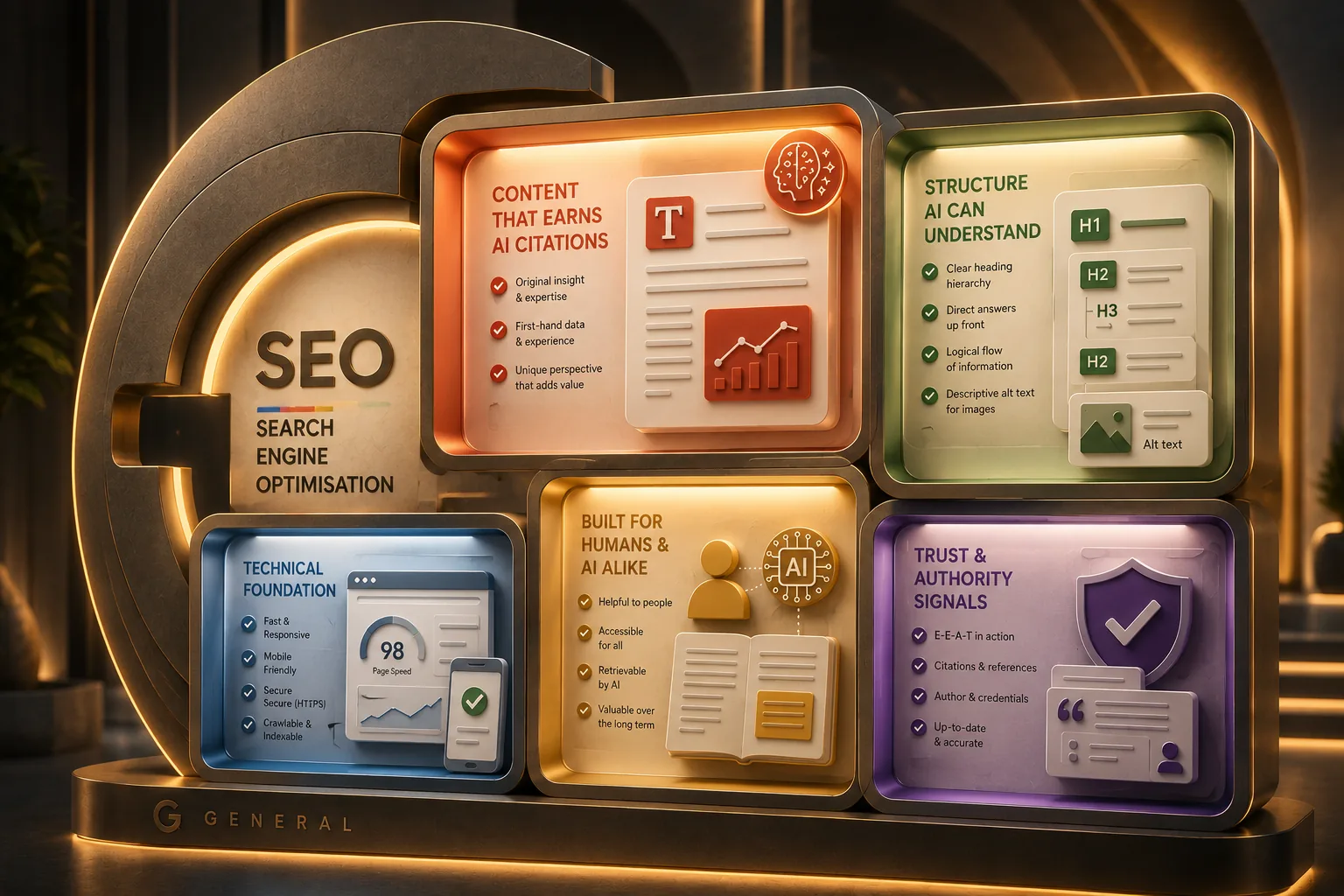 Google Guide to Generative AI: Tips for UX Designers and Content Teams
 Claude Connectors: What Every Creative Professional Should Know
Why Transmedia?

Unlimited Training Support
We offer unlimited training support after your course.
Bespoke Training Solutions
Customised training and software solutions based on your exact requirements.
Worldwide Creative Skills Training
Join our authorised training courses live online from anywhere in the world.
Authorised Training Professionals
Our experts are accredited by Adobe, Apple and Claris and bring years of experience and real-world expertise.