
Master AI-assisted visual content creation with Claude Design, producing prototypes, presentations and marketing collateral as a designer, marketer or communicator.
1 day course 10am - 5pm Live Online or Classroom-based
What you will learn
- Understanding Claude Design's place in the AI landscape, enabling professionals to deploy it confidently alongside Canva, PowerPoint and Figma.
- How to navigate the Claude Design workspace and core workflow, turning text descriptions into polished visual output through conversation.
- Setting up a brand design system automatically, ensuring every project reflects your organisation's colours, typography and visual identity.
- How to build interactive prototypes from a rough brief, allowing teams to user-test concepts without writing a single line of code.
- Producing pitch decks and presentations at speed, helping marketers and founders go from outline to export-ready slides in one session.
- How to create on-brand marketing collateral across multiple formats, empowering professionals to maintain visual consistency across every campaign asset.
- Generating multiple design directions from a single brief, giving designers and product managers a faster route to stakeholder-ready concepts.
- How to export and hand off finished designs, enabling seamless transfer to Canva, Claude Code or colleagues for refinement and production.
Related Courses
This Claude Design Introduction course includes
-
 Authorised Certificate
-
 Lifetime support after your course
-
 Course materials
-
 Live Instructor-led training
-
 Refreshments all day
-
 Latest Mac or PC ready to go
-
 Authorised Trainers
-
 Hands-on exercises
Book this course
We offer Claude Design Introduction as a private course.
You can select a date which suits you or your team.
The course content can be fully customised to your exact learning requirements.
Request datesVideo success stories





















Course Outline for Claude Design Introduction
Introduction to Claude Design
- What Claude Design is: Anthropic's tool for creating designs, prototypes, slides and one-pagers through conversation
- How Claude Design has evolved from a standalone product into a capability inside every Claude conversation
- Who it is for: marketers, communicators, designers, product managers and founders
- How it fits alongside Canva, PowerPoint and Figma
- Access and plans: availability on paid plans and what administrators need to switch on
- Current strengths and limitations of a product still in beta
Where Claude Design Lives and the Core Workflow
- Starting a design from a conversation, the Artifacts tab or the standalone workspace at claude.ai/design
- Choosing a starting point: the Design, Slides and Docs templates
- Bringing in context: briefs, screenshots, Word, PowerPoint and Excel files and existing designs
- The iterative loop: describe, generate, refine, export
- Refining your work with inline comments, direct editing on the canvas and adjustment controls for spacing and colour
- Asking Claude to apply changes consistently across a whole design
- How design work counts towards your usage limits and how to work efficiently
Setting Up Your Brand and Design System
- What a design system is and why it matters more than any single prompt
- Building a design system from your brand guidelines, logos, fonts, slide decks and existing designs
- Syncing a product design system from a codebase using Claude Code
- What Claude captures: colours, typography, components and layout patterns
- Reviewing and correcting what Claude has interpreted before anyone relies on it
- Publishing a design system, setting a default and working with more than one brand
- Updating and maintaining your design system over time
- Practical exercise: building and testing a design system from your own brand assets
Creating Presentations with Claude Slides
- Starting a deck from notes, a report or an existing conversation
- Applying your design system so every slide stays on brand
- Refining slides by editing directly, commenting on elements or asking in chat
- When to use Claude Slides, a PowerPoint file created by Claude or the Claude add-in for PowerPoint to work inside a corporate template
- Exporting to PowerPoint or PDF and checking what changes on export
- Practical exercise: building a short presentation from a brief
Creating Marketing Collateral
- Types of content Claude Design can produce: one-pagers, leaflets, landing pages, social media assets and campaign visuals
- Starting from a brief, existing brand assets or a previous piece of work
- Adapting a design for different channels, sizes and formats
- Keeping a campaign consistent across multiple assets
- Preparing work for print: what to check before it goes to a printer
- Practical exercise: a set of campaign assets from a single brief
Prototypes, Mockups and Microsites
- Turning a rough idea or screenshot into a clickable prototype through conversation
- Mocking up screens and user flows to gather feedback before a specification is written
- Building a simple microsite or landing page
- Knowing where a prototype ends and a developer's work begins
- Handing a prototype to Claude Code or a development team
Design Explorations
- Generating several visual directions from a single brief
- Comparing and evaluating options through conversation
- Narrowing down through iterative refinement
- Using explorations to brief colleagues, stakeholders or external agencies
- Practical exercise: generating and evaluating multiple directions for a real brief
Quality Control and Avoiding the Generated Look
- The visual habits that make content instantly recognisable as AI-made
- Adding your own content, judgement and brand detail so work stands apart
- Checking facts, figures and claims before a design is shared
- A simple review checklist for any design before it goes out
Sharing, Exporting and Handing Off
- Sharing a private link and choosing who can view, comment or edit
- Exporting to PDF, PowerPoint, HTML or a ZIP file
- Sending work to Canva, Adobe, Miro and other connected tools for finishing
- Handing designs to Claude Code or developers for production
- Saving organising and returning to your projects
FAQs about the Claude Design Introduction course
Is this Claude Design Introduction course suitable for me?
This course is designed for people who are new to Claude Design or have been using Claude Design for a while but have never had formal training or who would like to learn best practice in Claude Design. If you are have any questions about whether the course could meet your needs, please speak to our customer service team, who will be delighted to advise you.
How is the content taught throughout the Claude Design Introduction course?
Our Claude Design Introduction course is extremely interactive. You will be using prompts, adjusting settings and improving your Claude Design output throughout the day, working through examples and live projects under the guidance of our trainer, who will be inviting questions and supporting you through each step.
How many people are likely to be in the class when I attend the Claude Design Introduction course?
For private classes in Claude Design Introduction, we recommend a maximum of 8 to 10 people from the same company in the class. Please ask our customer service team to help you find the right balance of people per class and the number of days training you need.
Should I attend the Claude Design Introduction course in person or live online?
For in-person courses at our London training centre, you will receive a warm personal welcome, your choice of the latest Mac or PC and morning and afternoon refreshments. If you prefer to attend remotely, rest assured that you will be taught live by the same experts that deliver our in-person courses, covering the same training content, using the same exercises and materials. A second monitor is recommended but not essential.
What support is available after I attend the Claude Design Introduction course?
We offer ongoing support to our Claude Design Introduction course attendees through email and by arrangement, phone calls. You are welcome to ask any questions on topics covered during training. Our trainer will always do their best to explain principles and help you with any issues you encounter.
Will I receive a certificate upon completion of my Claude Design Introduction course?
Yes, you'll receive a certificate of completion from Transmedia, demonstrating your knowledge and attendance on our Claude Design Introduction course. Our certificates note our Authorised Training Centre status.
Claude Design Introduction — Team and Bespoke Training
Booking a private training session allows you to focus on your exact needs on dates that work best for you or your team.
- Sessions can be run online or in person, on your site or at our London training centre.
- We manage training for many of the UK’s largest companies, taking care of all the admin, working with you to ensure the perfect course.
- Our expert trainers will first understand your requirements and then tailor each session to your exact specification.
- We offer a free consultation service to work out every detail of your course.
Private One-to-One Training
One-to-one tuition tailored to your exact requirements. Your choice of duration, dates and content.
Book NowTeam Training for Companies
Group bookings provide you with the most cost-effective way to train your team.
Book Now
Our Clients


Latest Blog Articles
 Claude Connectors: What Every Creative Professional Should Know
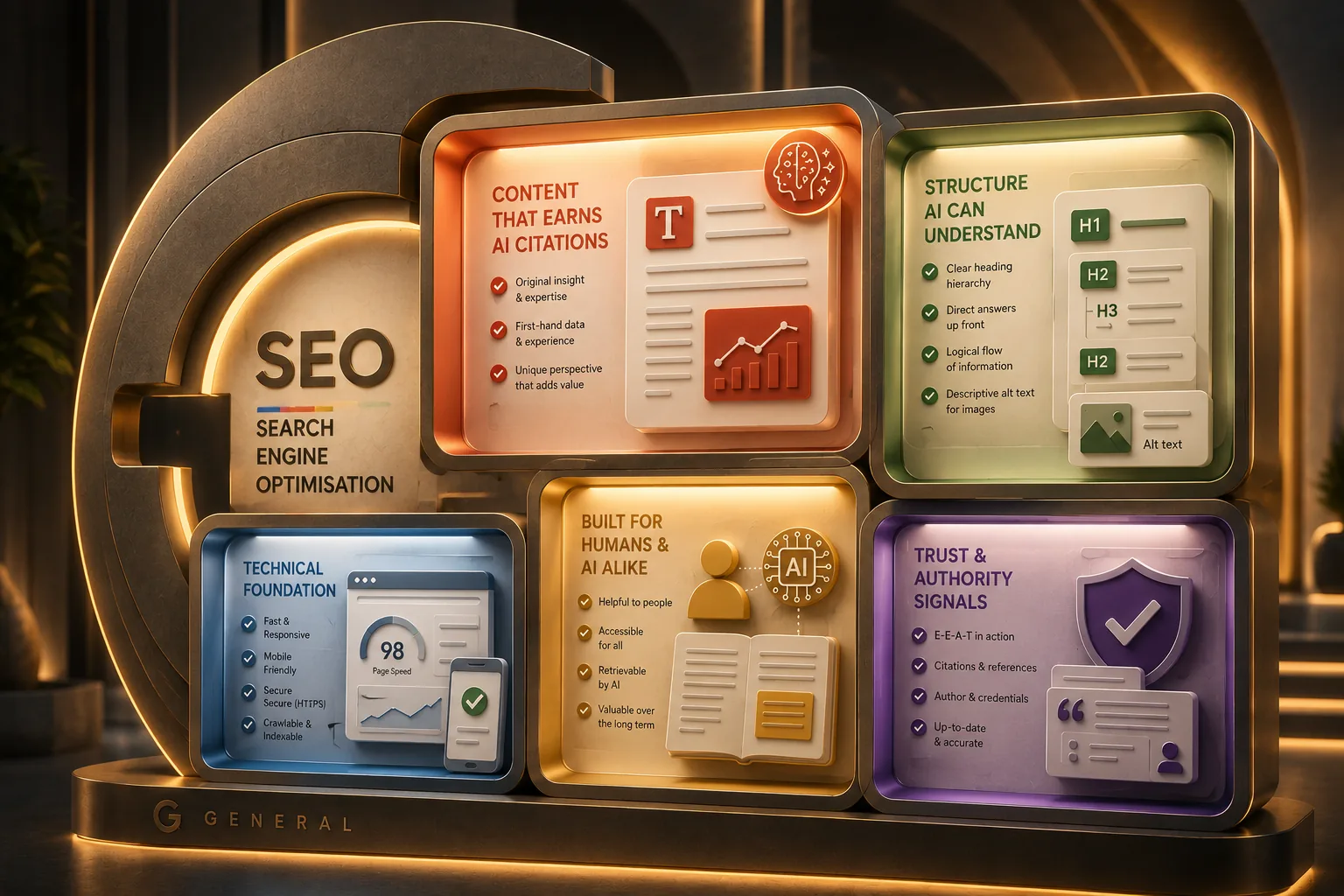 Google Guide to Generative AI: Tips for UX Designers and Content Teams
 Generative Engine Optimisation: Practical Tips for Better Output
Why Transmedia?

Unlimited Training Support
We offer unlimited training support after your course.
Bespoke Training Solutions
Customised training and software solutions based on your exact requirements.
Worldwide Creative Skills Training
Join our authorised training courses live online from anywhere in the world.
Authorised Training Professionals
Our experts are accredited by Adobe, Apple and Claris and bring years of experience and real-world expertise.