
Create compelling video content using Sora, learning practical AI video generation skills for marketing, social and creative professionals.
1 day course 10am - 5pm Live Online or Classroom-based
What you will learn
- Understanding AI video generation fundamentals, enabling you to distinguish Sora's capabilities from traditional editing animation and motion graphics workflows.
- How to structure clear video prompts, helping you translate creative ideas into motion-aware instructions that generate usable professional outputs.
- Analysing how Sora interprets prompts, improving prediction of motion framing and realism before generating time-consuming video variations.
- How to specify camera behaviour and visual tone, allowing you to create cinematic movement such as tracking shots or controlled static scenes.
- Applying iterative prompt refinement, increasing productivity by reducing trial and error when developing concept videos for marketing or storyboards.
- Understanding realism limits and ethical considerations, helping you make confident decisions about appropriate professional use and client-facing projects.
- How to integrate AI video generation into workflows, enabling faster concept development and smoother hand-off to editing tools for delivery.
Related Courses
This AI Video Generation using Sora course includes
-
 Authorised Certificate
-
 Lifetime support after your course
-
 Course materials
-
 Live Instructor-led training
-
 Refreshments all day
-
 Latest Mac or PC ready to go
-
 Authorised Trainers
-
 Hands-on exercises
Book this course
We offer AI Video Generation using Sora as a private course.
You can select a date which suits you or your team.
The course content can be fully customised to your exact learning requirements.
Request datesVideo success stories





















Course Outline for AI Video Generation using Sora
AI Video Generation Fundamentals and Creative Context
- Understanding what AI video generation is and how it differs from traditional editing animation and motion graphics
- Exploring how Sora generates video from text prompts, including motion continuity, timing and visual coherence
- Recognising strengths, limitations and appropriate expectations for first-time users
- Reviewing real-world examples of AI-generated video used in marketing social content and concept development
Understanding How Sora Interprets Video Prompts
- Analysing how prompts are parsed into subject, action, environment, camera movement and style
- Separating subject, description, motion, instruction and visual style for clearer results
- Understanding how duration, framing, perspective and realism affect generated output
- Reviewing example prompts and predicting likely outcomes before generation
Crafting Clear Video Prompt Structures
- Writing structured prompts that define subject behaviour environment and action progression
- Using descriptive language to control motion speed camera angle and scene dynamics
- Applying positive specification rather than negative exclusions for better consistency
- Practising prompt refinement from simple ideas into production-ready video descriptions
Specifying Motion Style Camera Behaviour and Visual Tone
- Defining camera movement such as pans, tracking, shots and static framing
- Specifying motion behaviour including walking, flowing, rotating and environmental movement
- Describing cinematic style, lighting, mood and visual texture
- Converting abstract creative ideas into precise motion-aware prompts
Generating Variations and Improving Outputs Iteratively
- Creating multiple variations from a single concept to explore creative directions
- Comparing outputs to evaluate motion realism, framing consistency and visual clarity
- Refining prompts based on observed results rather than trial and error
- Applying iteration techniques to improve quality while maintaining creative intent
Managing Realism Limitations and Ethical Considerations
- Understanding where AI video generation currently struggles with physics, faces and continuity
- Recognising appropriate professional use cases versus high-risk scenarios
- Discussing copyright originality and responsible use of generative video
- Reviewing current industry guidance and emerging standards
Integrating Sora into Professional Content Workflows
- Mapping AI video generation to real-world use cases such as concept visuals, storyboards and social media clips
- Combining AI-generated video with traditional editing tools and workflows
- Planning hand-off and refinement using video editing software
- Workshop exercise generating a short video concept aligned to a professional brief
Next Steps Developing Confidence with AI Video Generation
- Reviewing practical techniques for continued skill development after the course
- Identifying reliable sources for updates, new features and best practices
- Building confidence in applying Sora responsibly within professional projects
- Open discussion review and wrap-up
FAQs about the AI Video Generation using Sora course
Is this AI Video Generation using Sora course suitable for me?
This course is designed for people who are new to AI video generation and prompt engineering or have been doing so for a while but have never had formal training or who would like to learn best practice in AI video generation. If you are have any questions about whether the course could meet your needs, please speak to our customer service team, who will be delighted to advise you.
How is the content taught throughout the AI Video Generation using Sora course?
Our AI Video Generation using Sora course is extremely interactive. You will be using video-oriented prompt engineering techniques to generate AI videos throughout the day, working through examples and live projects under the guidance of our trainer, who will be inviting questions and supporting you through each step.
How many people are likely to be in the class when I attend the AI Video Generation using Sora course?
For private classes in AI Video Generation using Sora, we recommend a maximum of 8 to 10 people from the same company in the class. Please ask our customer service team to help you find the right balance of people per class and the number of days training you need.
Should I attend the AI Video Generation using Sora course in person or live online?
For in-person courses at our London training centre, you will receive a warm personal welcome, your choice of the latest Mac or PC and morning and afternoon refreshments. If you prefer to attend remotely, rest assured that you will be taught live by the same experts that deliver our in-person courses, covering the same training content, using the same exercises and materials. A second monitor is recommended but not essential.
What support is available after I attend the AI Video Generation using Sora course?
We offer ongoing support to our AI Video Generation using Sora course attendees through email and by arrangement, phone calls. You are welcome to ask any questions on topics covered during training. Our trainer will always do their best to explain principles and help you with any issues you encounter.
Will I receive a certificate upon completion of my AI Video Generation using Sora course?
Yes, you'll receive a certificate of completion from Transmedia, demonstrating your knowledge and attendance on our AI Video Generation using Sora course. Our certificates note our Authorised Training Centre status.
AI Video Generation using Sora — Team and Bespoke Training
Booking a private training session allows you to focus on your exact needs on dates that work best for you or your team.
- Sessions can be run online or in person, on your site or at our London training centre.
- We manage training for many of the UK’s largest companies, taking care of all the admin, working with you to ensure the perfect course.
- Our expert trainers will first understand your requirements and then tailor each session to your exact specification.
- We offer a free consultation service to work out every detail of your course.
Private One-to-One Training
One-to-one tuition tailored to your exact requirements. Your choice of duration, dates and content.
Book NowTeam Training for Companies
Group bookings provide you with the most cost-effective way to train your team.
Book Now
Our Clients


Latest Blog Articles
 Prompt Engineering for AI Image Generation: Essential Techniques for Creative Professionals
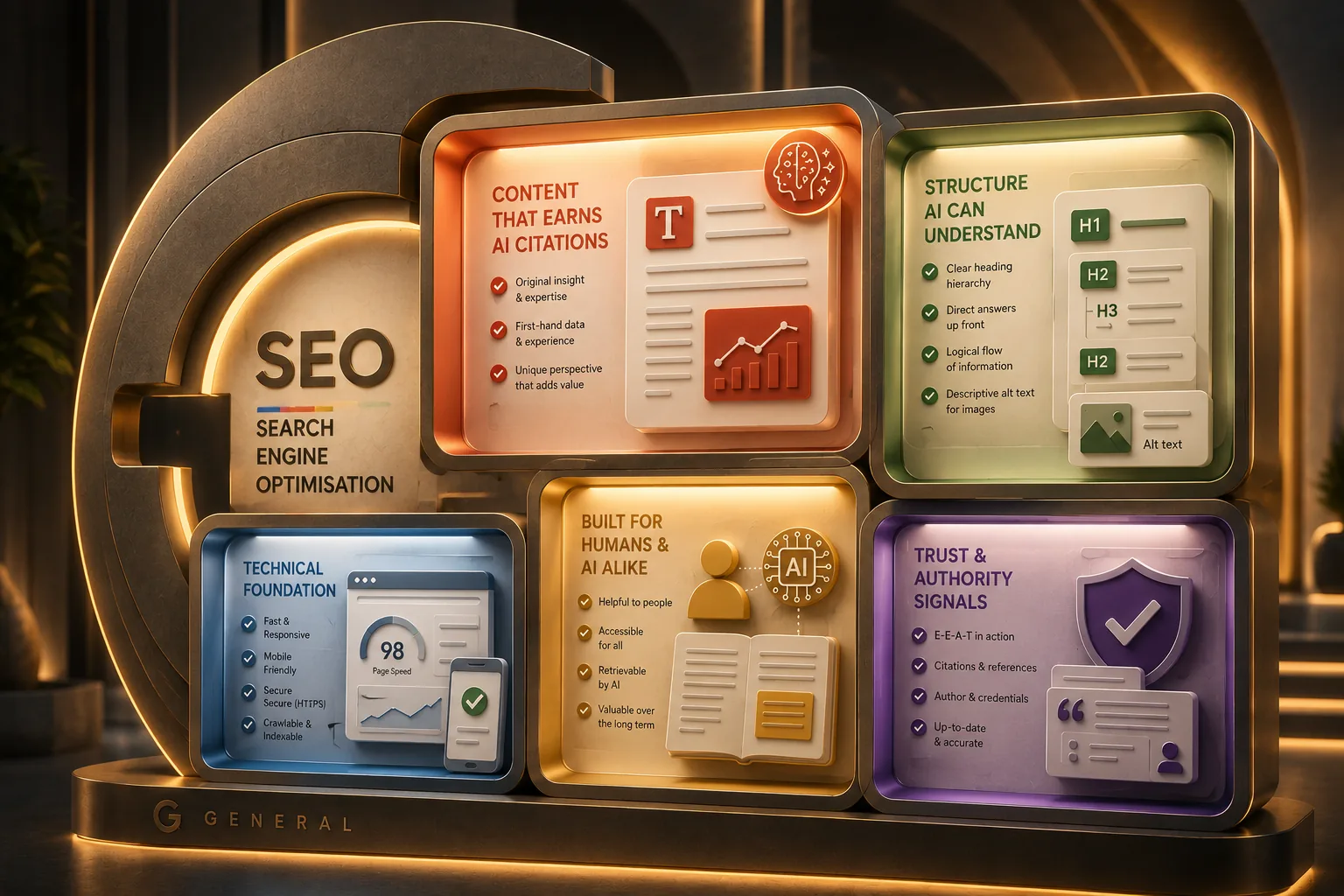 Google Guide to Generative AI: Tips for UX Designers and Content Teams
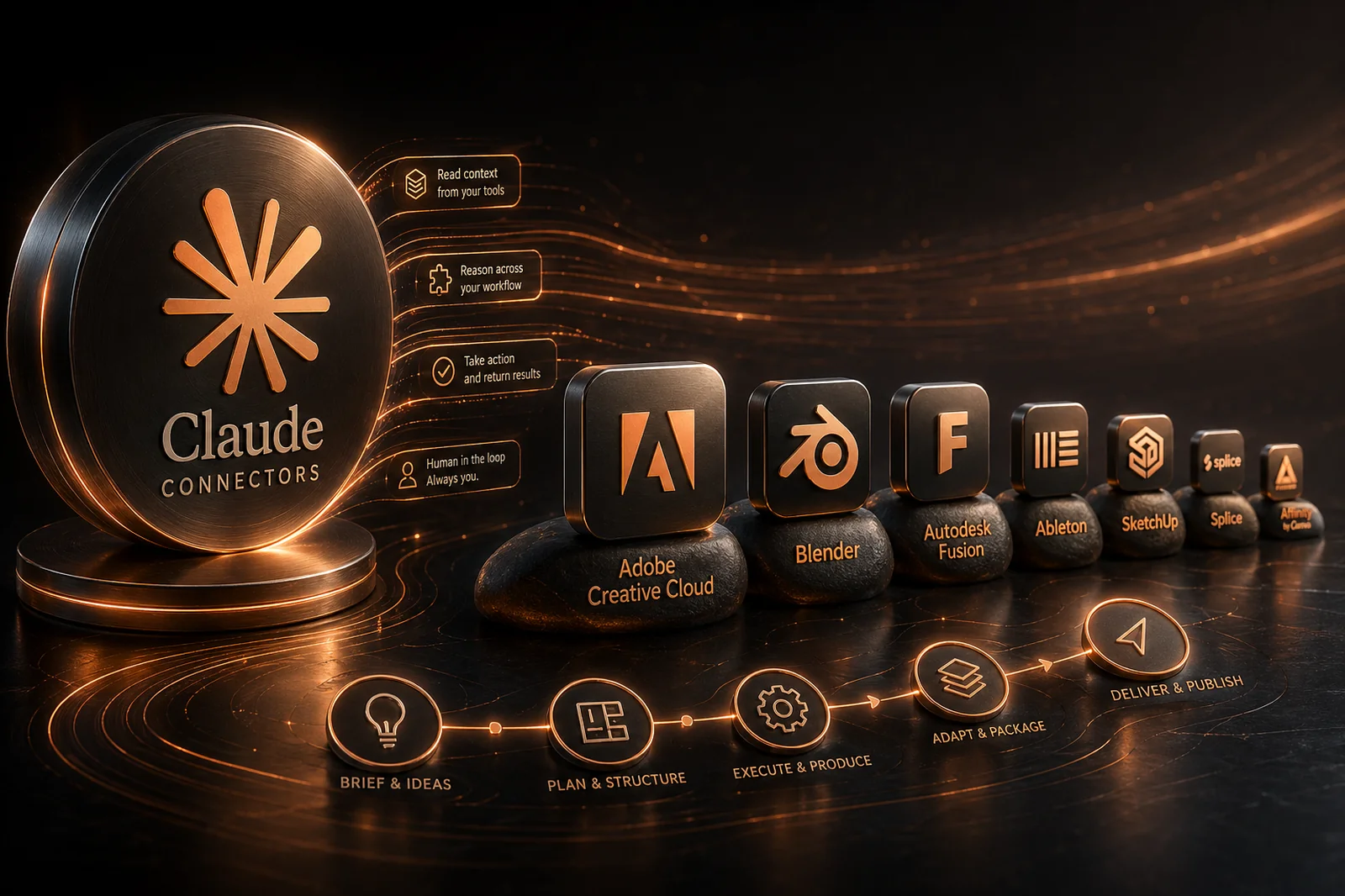 Claude Connectors: What Every Creative Professional Should Know
Why Transmedia?

Unlimited Training Support
We offer unlimited training support after your course.
Bespoke Training Solutions
Customised training and software solutions based on your exact requirements.
Worldwide Creative Skills Training
Join our authorised training courses live online from anywhere in the world.
Authorised Training Professionals
Our experts are accredited by Adobe, Apple and Claris and bring years of experience and real-world expertise.